oterm
Content
oterm
the terminal client for Ollama.
Features
- intuitive and simple terminal UI, no need to run servers, frontends, just type
otermin your terminal. - supports Linux, MacOS, and Windows and most terminal emulators.
- multiple persistent chat sessions, stored together with system prompt & parameter customizations in sqlite.
- support for Model Context Protocol (MCP) tools & prompts integration.
- can use any of the models you have pulled in Ollama, or your own custom models.
- allows for easy customization of the model's system prompt and parameters.
- supports tools integration for providing external information to the model.
Quick install
uvx oterm
See Installation for more details.
Documentation
What's new
- Support for "thinking" mode for models that support it.
- Support for streaming with tools!
- Messages UI styling improvements.
- MCP Sampling is here in addition to MCP tools & prompts! Also support for SSE & WebSocket transports for MCP servers.
Screenshots
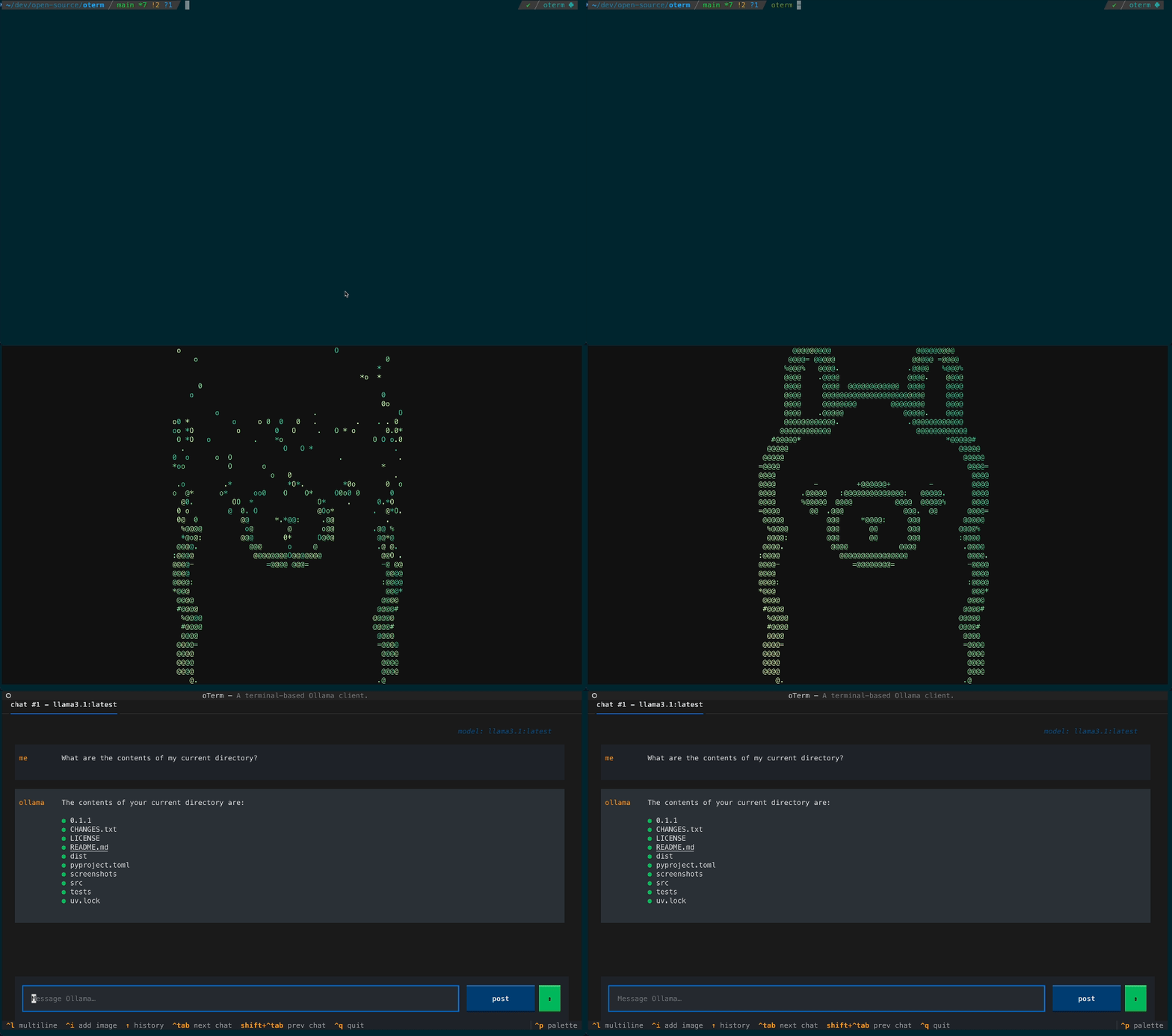 The splash screen animation that greets users when they start oterm.
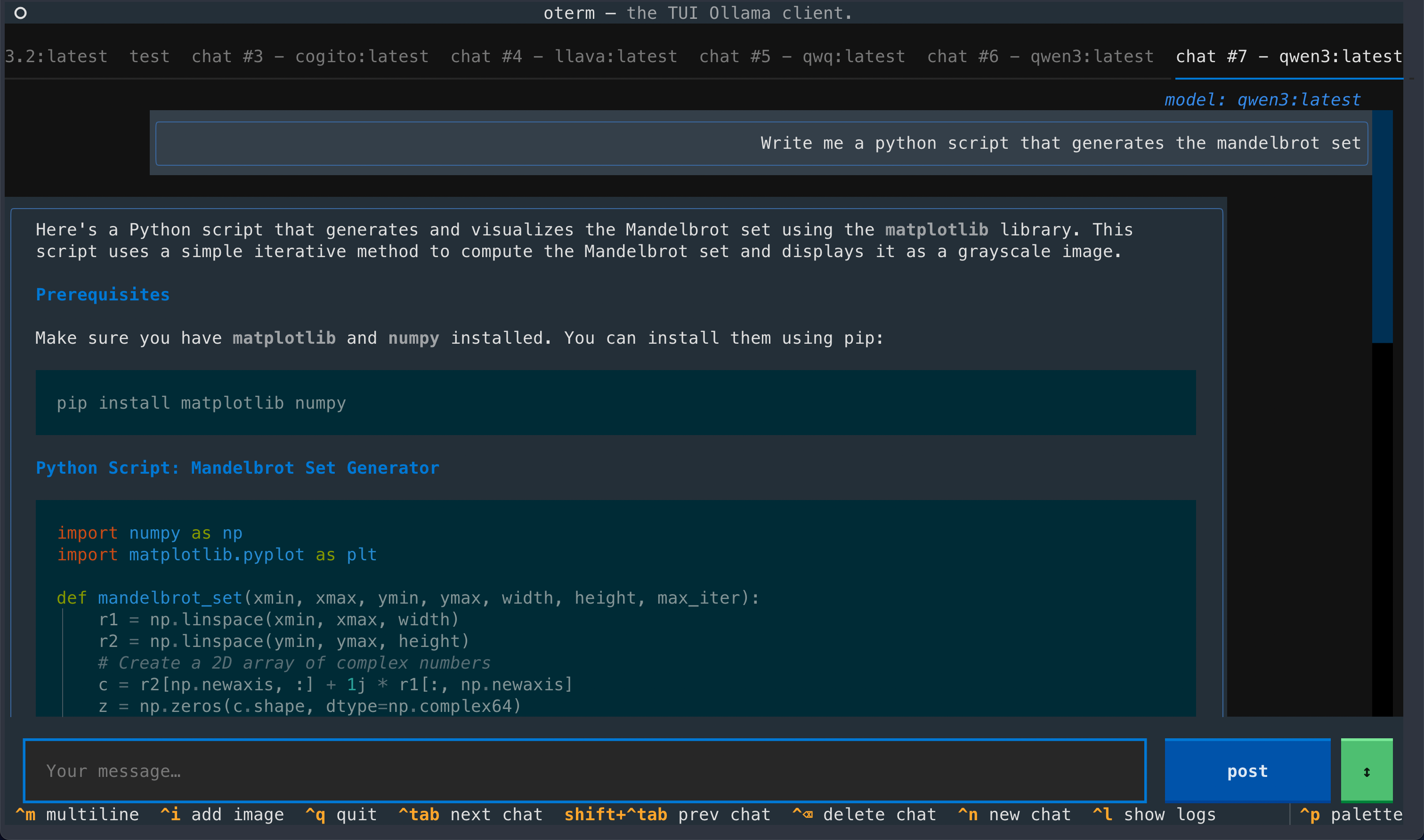 A view of the chat interface, showcasing the conversation between the user and the model.
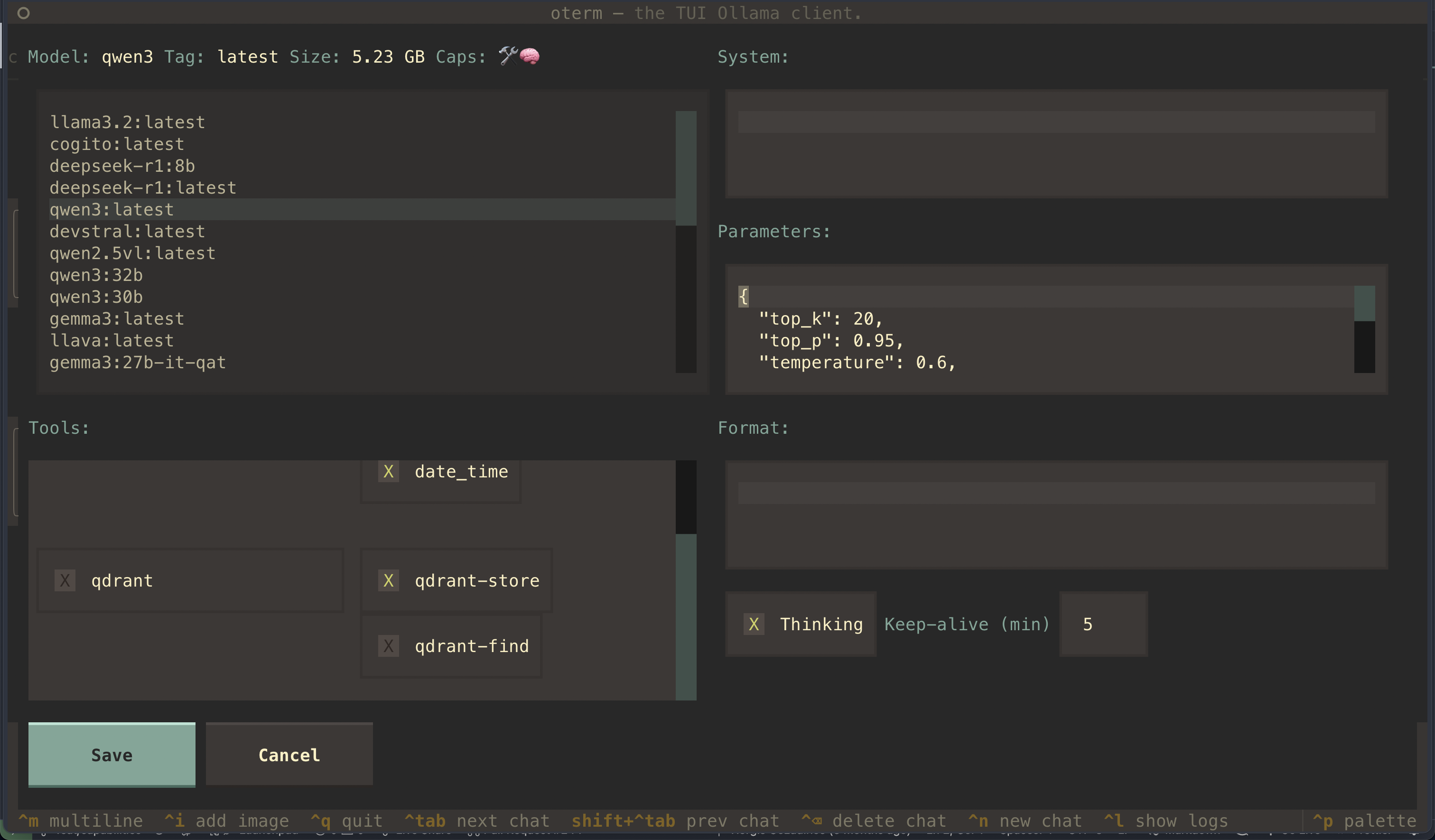 The model selection screen, allowing users to choose and customize available models.
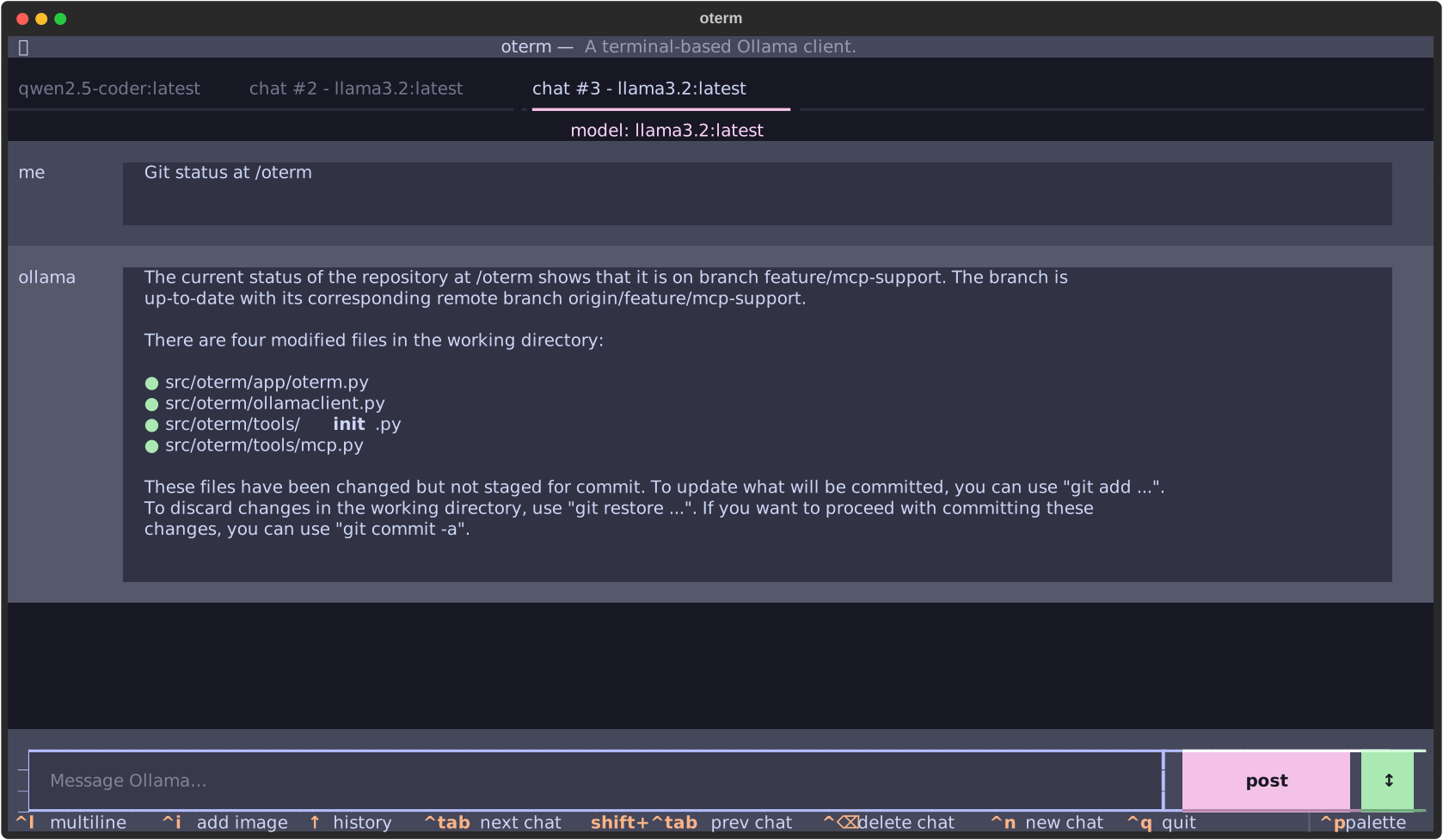 oterm using the
 git MCP server to access its own repo.
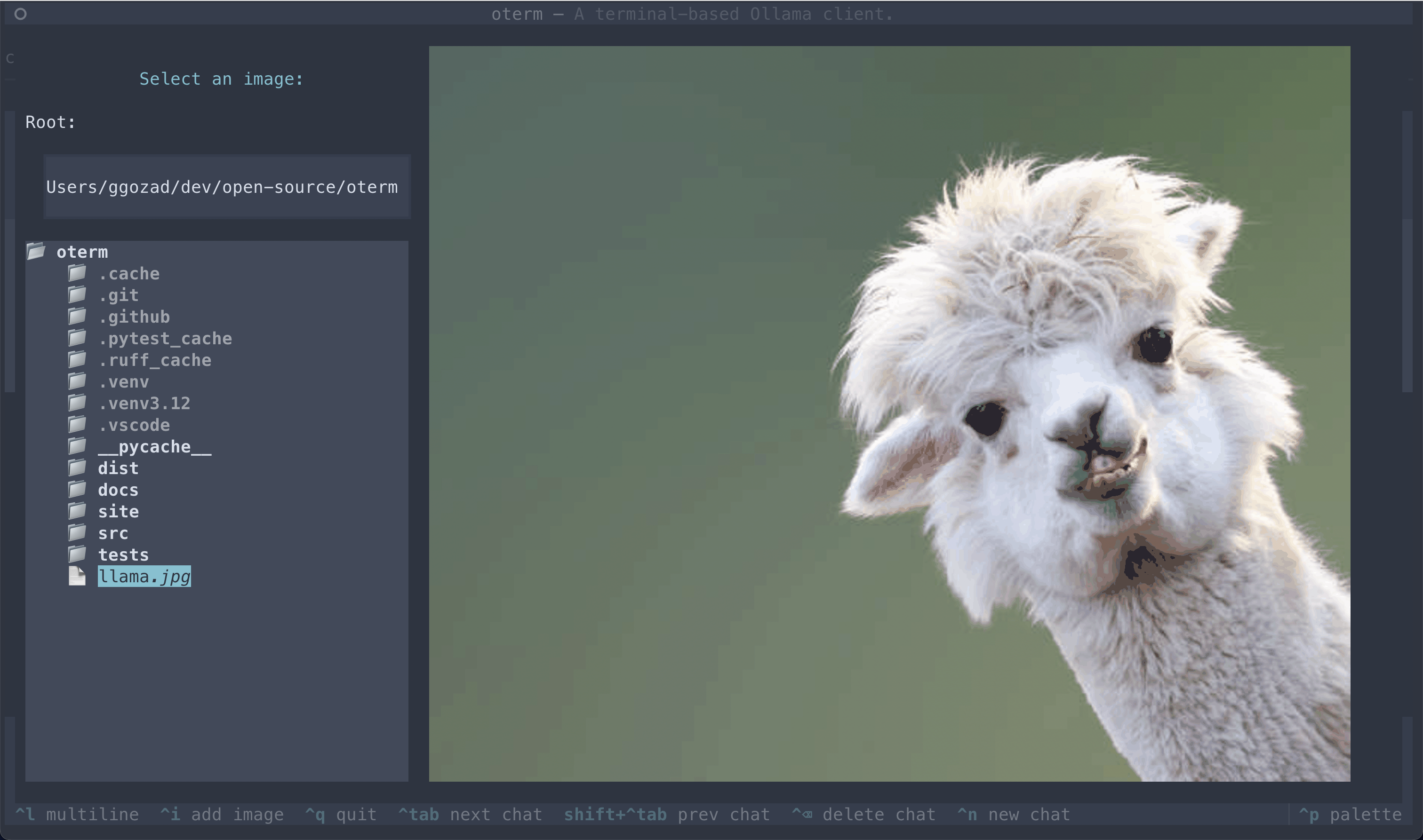 The image selection interface, demonstrating how users can include images in their conversations.
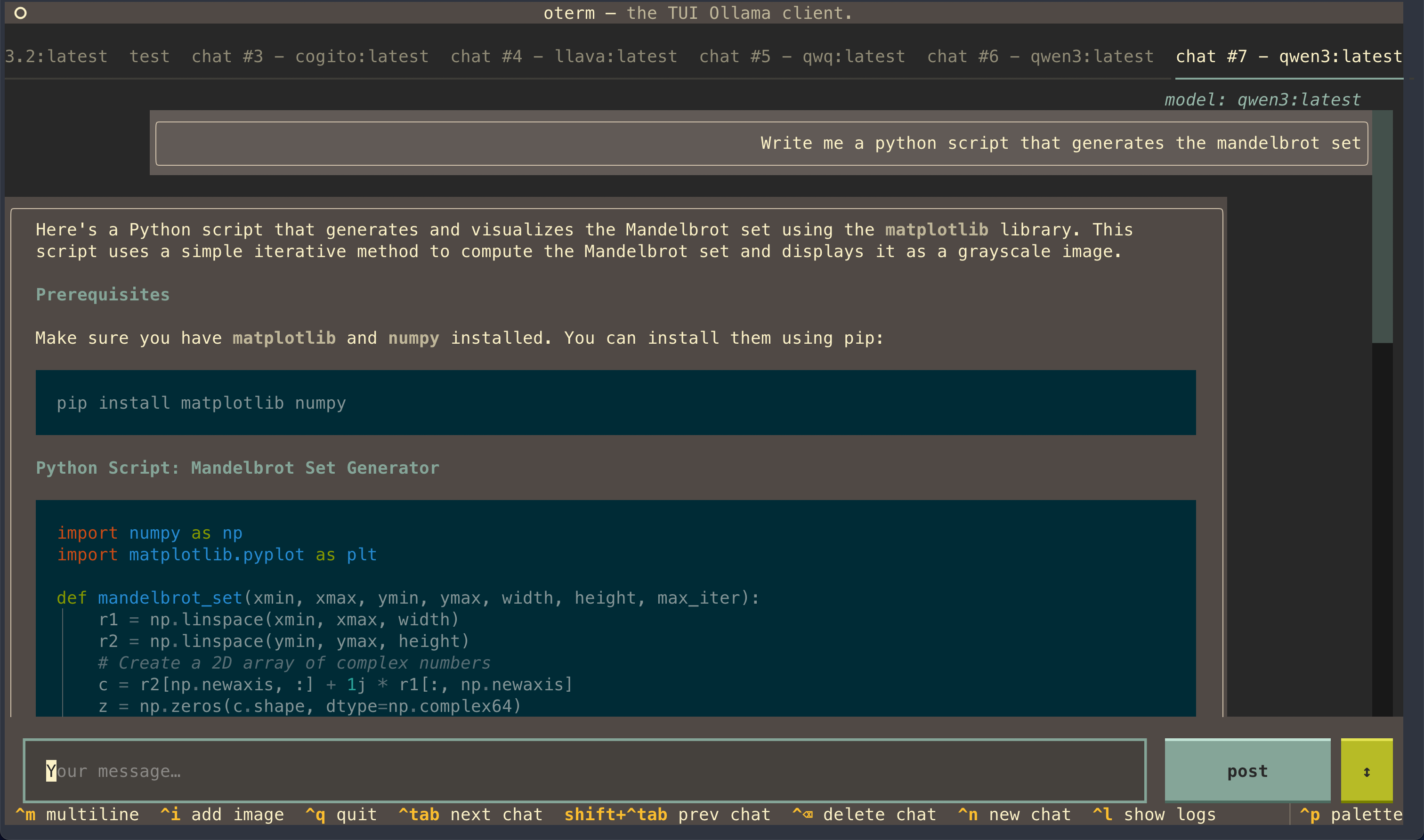 oterm supports multiple themes, allowing users to customize the appearance of the interface.
License
This project is licensed under the MIT License.
Recommend Clients
TraeBuild with Free GPT-4.1 & Claude 3.7. Fully MCP-Ready.
chatmcpChatMCP is an AI chat client implementing the Model Context Protocol (MCP).
Cherry Studio🍒 Cherry Studio is a desktop client that supports for multiple LLM providers.
CursorThe AI Code Editor
WindsurfThe new purpose-built IDE to harness magic
Refact.aiOpen-source AI Agent for VS Code and JetBrains that autonomously solves coding tasks end-to-end.
Continue⏩ Create, share, and use custom AI code assistants with our open-source IDE extensions and hub of models, rules, prompts, docs, and other building blocks
DeepChatYour AI Partner on Desktop
EXPLYT
Y GuiA web-based graphical interface for AI chat interactions with support for multiple AI models and MCP (Model Context Protocol) servers.
MCP PlaygroundCall MCP Server Tools Online
Cline – #1 on OpenRouterAutonomous coding agent right in your IDE, capable of creating/editing files, executing commands, using the browser, and more with your permission every step of the way.
ZedCode at the speed of thought – Zed is a high-performance, multiplayer code editor from the creators of Atom and Tree-sitter.
MCP ConnectEnables cloud-based AI services to access local Stdio based MCP servers via HTTP requests
Visual Studio Code - Open Source ("Code - OSS")Visual Studio Code
HyperChatHyperChat is a Chat client that strives for openness, utilizing APIs from various LLMs to achieve the best Chat experience, as well as implementing productivity tools through the MCP protocol.
ChatWiseThe second fastest AI chatbot™
Roo Code (prev. Roo Cline)Roo Code (prev. Roo Cline) gives you a whole dev team of AI agents in your code editor.
y-cli 🚀A Tiny Terminal Chat App for AI Models with MCP Client Support
A Sleek AI Assistant & MCP Client5ire is a cross-platform desktop AI assistant, MCP client. It compatible with major service providers, supports local knowledge base and tools via model context protocol servers .
LutraLutra is the first MCP compatible client built for everyone