Snowflake Cortex Agent Mcp Server Nodejs
Snowflake Cortex AI Model Context Protocol (MCP) Server
This Snowflake MCP server provides tooling for Snowflake Cortex AI features, bringing these capabilities to the MCP ecosystem. When connected to an MCP Client (e.g. Claude for Desktop, fast-agent, Agentic Orchestration Framework), users can leverage these Cortex AI features.
The MCP server currently supports the below Cortex AI capabilities:
- Cortex Search: Query unstructured data in Snowflake as commonly used in Retrieval Augmented Generation (RAG) applications.
- Cortex Analyst: Query structured data in Snowflake via rich semantic modeling.
- Cortex Agent: Agentic orchestrator across structured and unstructured data retrieval
RUN:
yarn dev
MCP servers are not the same thing as a Next.js API backend:
- MCP server
  - Runs as a sidecar/service.
  - Communicates with an MCP client (like VS Code, Cursor, Claude Desktop).
  - Protocol is `stdio`/`sockets`, not HTTP.
  - Tools are exposed via `server.tool("name", handler)`.
  - Goal: provide AI clients with structured capabilities (SQL exec, search, etc).
- Next.js API route
  - Exposes HTTP endpoints (`/api/runAgent`).
  - Clients are browsers, Postman, other web services.
  - Protocol is HTTP/JSON.
  - Goal: power web apps, user-facing dashboards, external integrations.
So putting MCP directly inside Next.js **doesn’t make sense** (MCP clients won’t connect to a Next.js API route).
Getting Started
Connecting to Snowflake
The MCP server uses the Snowflake Cortex / REST API for all authentication and connection methods. Please refer to the official Snowflake documentation for comprehensive authentication options and best practices.
Connection parameters can be passed as environment variables. The server supports Programmtic Access Token to make all API calls.
Payload Builder: Dynamically Creating Agent Requests
The MCP server provides a Payload Builder utility to dynamically construct requests for Cortex Agents. This eliminates hardcoding tool definitions, resources, or queries, making your integrations flexible and maintainable.
How It Works
[Your Query]  --->  buildAgentConfig()  --->  MCP Payload
                                 |
                                 v
                          [Tool Definitions]
                                 |
                                 v
                           [Tool Resources]
                                 |
                                 v
                        [Cortex Agent Server]
                                 |
                                 v
                    [Structured / Streamed Response]
- Query: The user’s natural language input.
- Tool Definitions: Each tool’s
name,type, and optionalresources. - Tool Resources: Keyed by tool name (snake_case), includes semantic models, search indexes, etc.
- MCP Server: Consumes the payload and orchestrates the tools.
- Response: Streamed via SSE, parsed using
processSSEResponse.
Example Usage
import { buildAgentConfig, ToolDefinition } from "./mcp/payloadBuilder";
import { runCortexAgentQuery } from "./mcp/MCP";

const toolDefinitions: ToolDefinition[] = [
  {
    name: "Text2SQL",
    type: "cortex_analyst_text_to_sql",
    resources: { semantic_model_file: process.env.SEMANTIC_MODEL_VIEW }
  },
  {
    name: "Vehicles_Search",
    type: "cortex_search",
    resources: {
      name: process.env.VEHICLES_SEARCH_SERVICE,
      id_column: "relative_path",
      title_column: "title",
      max_results: 10
    }
  },
  { name: "sql_execution_tool", type: "sql_exec" }
];

const query = "Show me the top selling brands by total sales quantity in TX for Books in 2003";

// Build payload dynamically
const payload = buildAgentConfig(toolDefinitions, query);

// Run agent query
const result = await runCortexAgentQuery(payload, process.env.SNOWFLAKE_PAT);

console.error(result);
Key Points
- Exact Matching:
tool_spec.namemust match the snake_case key intool_resources. - Environment Variables: Use
.envfor dynamic configuration of semantic views, search services, etc. - Streaming Response: MCP returns streamed data; always use
processSSEResponse()to parse it safely. - Extending Tools: Add new tools to
toolDefinitionsand the builder automatically includes them in the payload.
This section will help developers quickly understand how to generate payloads programmatically and avoid common errors like mismatched tool_resources.
Using with MCP Clients
The MCP server is client-agnostic and will work with most MCP Clients that support basic functionality for MCP tools and (optionally) resources. Below are some examples.
Claude Desktop
To integrate this server with Claude Desktop as the MCP Client, add the following to your app's server configuration. By default, this is located at
- macOS: ~/Library/Application Support/Claude/claude_desktop_config.json
- Windows: %APPDATA%\Claude\claude_desktop_config.json
Set the path to the service configuration file and configure your connection method.
{
  "mcpServers": {
    "Cortex Agent AI": {
      "command": "ABSOLUTE_PATH\\npx.cmd",
      "args": [
        "tsx",
        "--watch",
        "--env-file",
        "ABSOLUTE_PATH\\.env",
        "ABSOLUTE_PATH\\src\\mcp\\MCP.ts"
      ]
    }
  }
}
Add the MCP server as context in the chat.
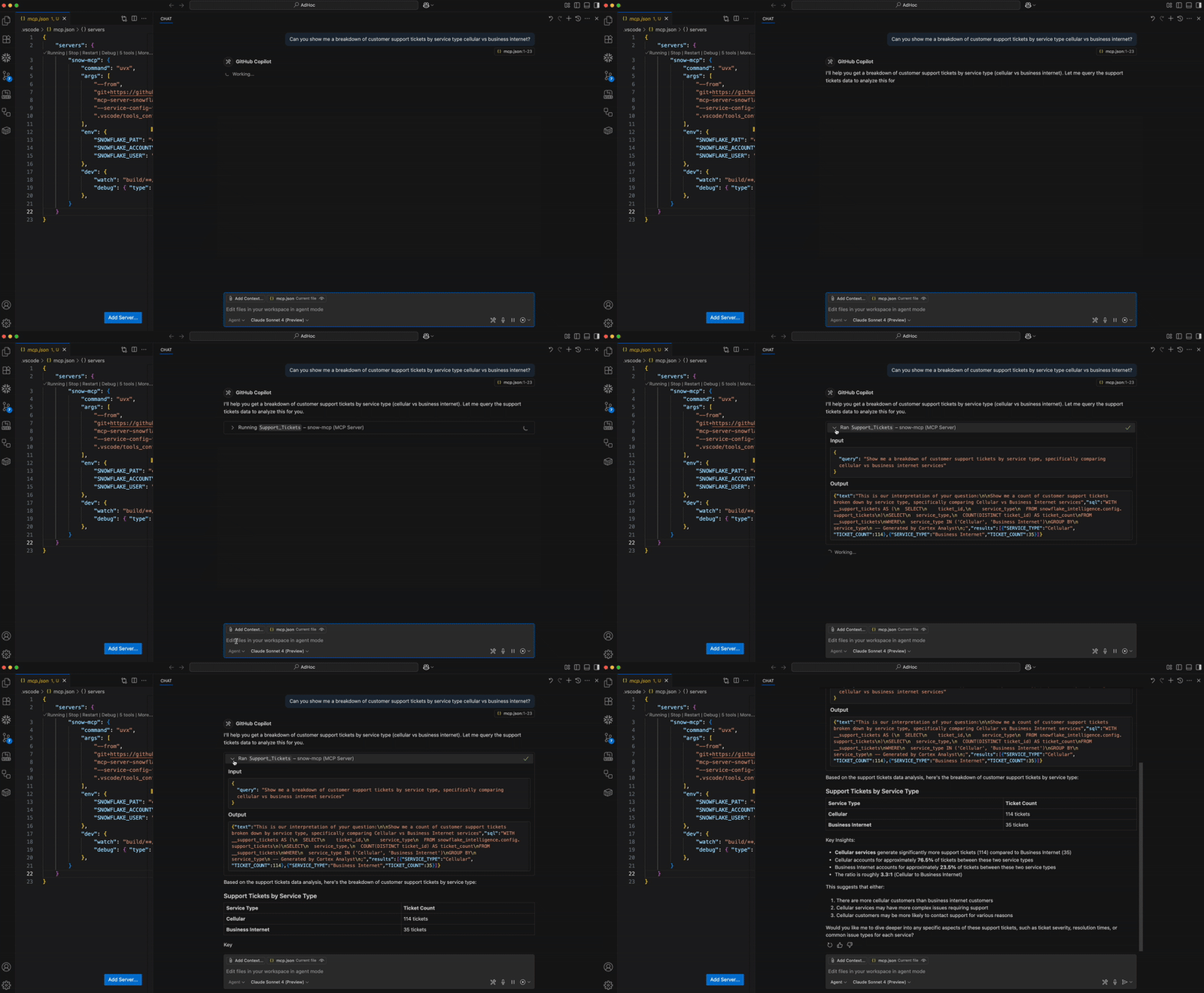
Microsoft Visual Studio Code + GitHub Copilot
For prerequisites, environment setup, step-by-step guide and instructions, please refer to this blog.
Troubleshooting
Running MCP Inspector
The MCP Inspector is suggested for troubleshooting the MCP server. Run the below to launch the inspector.
`yarn inspector`

OR

`npx @modelcontextprotocol/inspector tsx --env-file .env dist/mcp/MCP.js`
Read More: INSPECTOR.md
FAQs
How do I connect to Snowflake?
- Using Programmatic Access Token (PAT). Set as environment variable SNOWFLAKE_PAT.
How do I try this?
- The MCP server is intended to be used as one part of the MCP ecosystem. Think of it as a collection of tools. You'll need an MCP Client to act as an orchestrator. See the MCP Introduction for more information.
Where is this deployed? Is this in Snowpark Container Services?
- All tools in this MCP server are managed services, accessible via REST API. No separate remote service deployment is necessary. Instead, the current version of the server is intended to be started by the MCP client, such as Claude Desktop, Cursor, fast-agent, etc. By configuring these MCP client with the server, the application will spin up the server service for you. Future versions of the MCP server may be deployed as a remote service in the future.
I'm receiving permission errors from my tool calls.
- If using a Programmatic Access Tokens, note that they do not evaluate secondary roles. When creating them, please select a single role that has access to all services and their underlying objects OR select any role. A new PAT will need to be created to alter this property.
How many Cortex Search or Cortex Analysts can I add?
- You may add multiple instances of both services. The MCP Client will determine the appropriate one(s) to use based on the user's prompt.